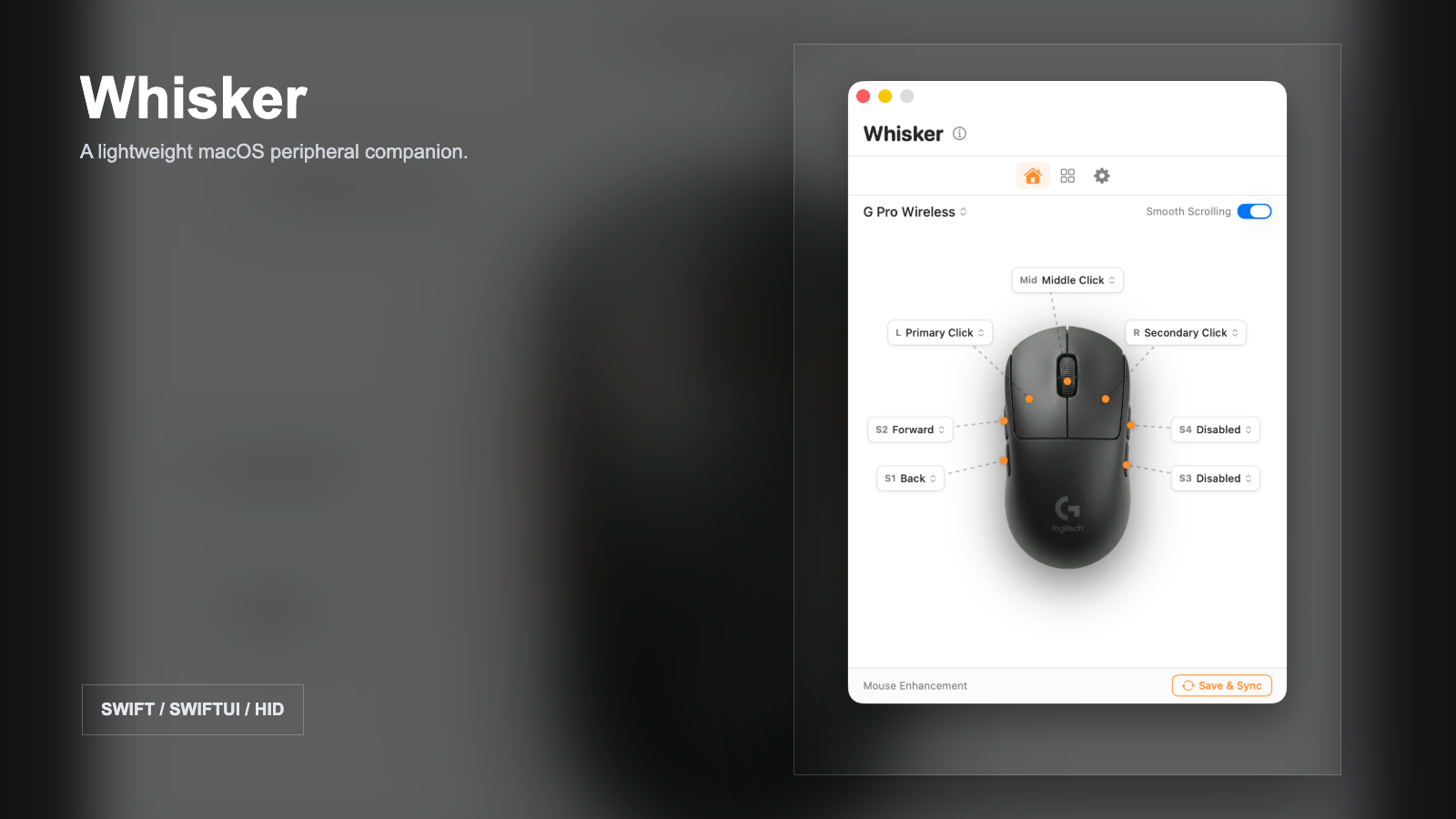
A narrow problem is still a product problem
Many peripheral applications try to become an entire ecosystem. For users who only need battery information, connection state and a few reliable mappings, that can feel disproportionate. Whisker began with the opposite question: what is the smallest native tool that still feels complete?
The interface was the easy part
The visible app is intentionally simple. Behind it, device behavior is not uniform. Bluetooth, USB and receiver connections expose different information. Logitech devices require their own handling. Side-button events need to be observed and rewritten without creating loops or breaking ordinary clicks. Accessibility permissions must be requested clearly because the app cannot quietly bypass macOS security.
This is where native development became valuable. SwiftUI made it possible to iterate quickly on the product surface, while HID discovery and event taps handled the parts that needed direct system integration.
Profiles turn features into a workflow
A single remapping screen is useful once. Saved profiles make the tool useful every day. Work and gaming contexts can keep different assignments, and the menu bar provides a faster path than reopening a full settings window. Persistence, device switching and multi-device state became core behavior rather than optional polish.
Shipping changes the definition of done
An app is not finished when it runs on the development machine. It needs an icon, localized strings, permission guidance, packaged builds, release notes and a place for users to report devices that are not yet supported. Publishing Whisker under the MIT license also forced the repository and documentation to become understandable beyond my own machine.
The project reached version 1.1.5 across seven releases. More importantly, it taught me to treat distribution, compatibility and support as part of product design from the beginning.
What the repository check revealed
The checked-in Xcode project still builds successfully without signing, so the released code path is not only a README claim. The maintenance risks sit around reproducibility: there is no XCTest target, release archives and user-specific Xcode data are tracked in Git, and the project-generation file includes duplicate source declarations that the current Xcode project excludes. Regenerating the project today could therefore break a build that currently succeeds. The next release should make one project definition authoritative and move binary artifacts out of source control.